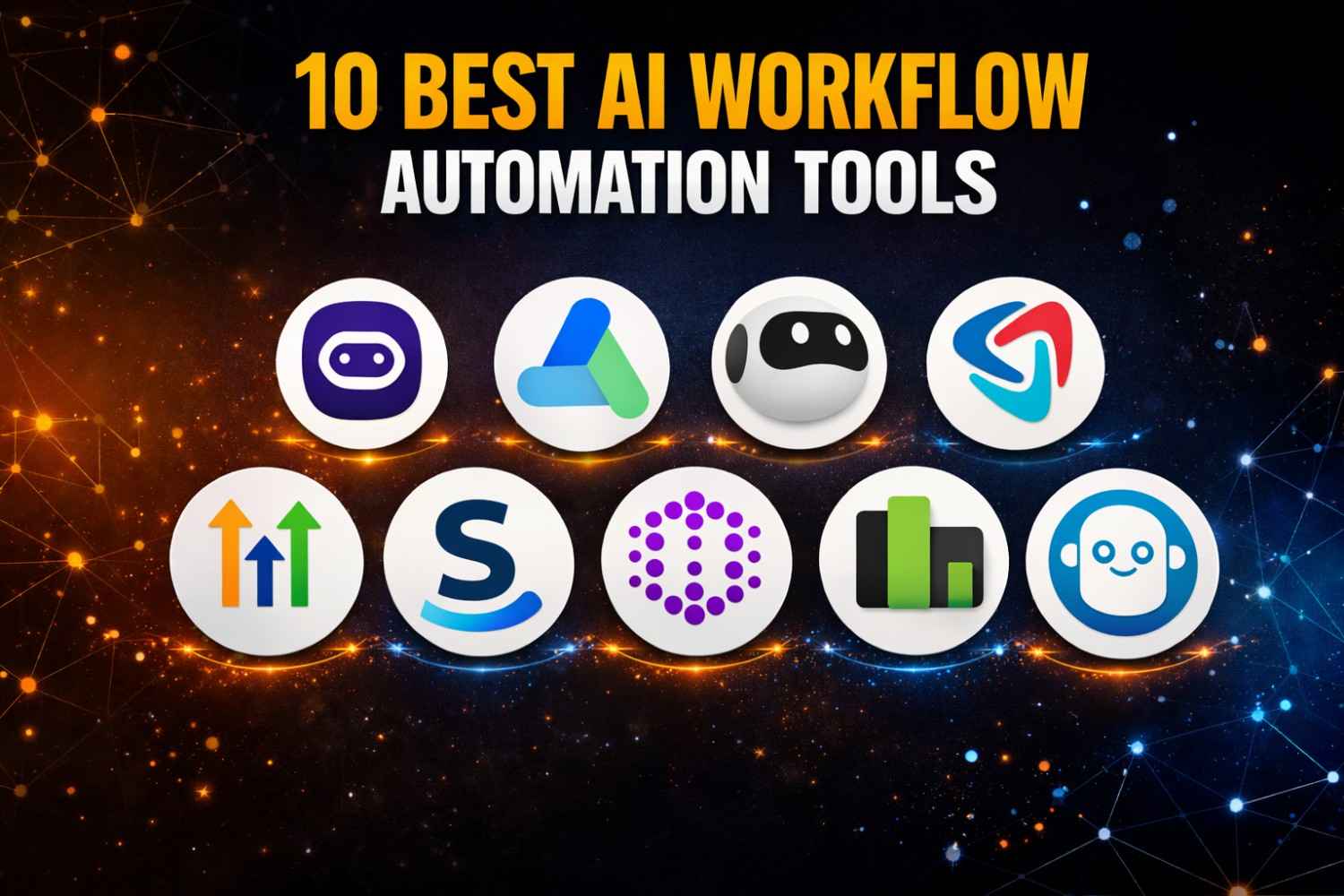
I use workflow automation software to remove repetitive work, speed up approvals, and keep teams moving without constant manual follow-up. Instead of asking people to send reminders, update statuses, assign tasks, or move information from one app to another, workflow tools handle those actions automatically.
That is why more businesses now invest in workflow software. It helps teams reduce admin work, improve consistency, and create smoother processes across operations, marketing, sales, HR, finance, and support. In this guide, I explain what workflow automation software is, why businesses use it, which features matter most, and which platforms stand out in today’s market. I also cover a practical workflow automation tools list so it is easier to compare options and choose the right fit.
What Is Workflow Automation Software?
Workflow automation software is a platform that helps me automate repeatable business processes. It can trigger actions, send notifications, route approvals, update records, and move work from one stage to the next based on rules. In simple terms, it replaces manual handoffs with automatic workflows.
These tools support work across departments. A marketing team can automate content approvals. A sales team can route leads automatically. HR can automate onboarding tasks. Finance can manage invoice approvals. This is why businesses often compare many workflow software examples before they choose a platform. The best choice depends on how simple or complex the process is and how many apps need to connect. Microsoft Power Automate is built for process automation across apps, Smartsheet uses triggers, conditions, and actions in visual workflows, and Trello offers built-in no-code automation on every board.
Why Businesses Use Workflow Automation Software
Businesses use workflow automation because it removes repetitive manual steps. Instead of depending on people to remember every update, the software handles routine actions automatically. That reduces delays and improves consistency.
I also see companies adopt workflow automation to improve visibility. Good platforms show what is running, where tasks are stuck, and which steps need attention. They can also improve accountability because approvals, status changes, and handoffs are easier to trace. Smartsheet says its automation replaces manual tasks with flexible workflows based on triggers, while ClickUp says its automations streamline routine tasks, handoffs, and busywork.
Key Features to Look for in Workflow Automation Software
Easy Workflow Builder
I always look for an easy builder first. A strong platform should let teams build workflows without needing heavy technical work for every change. That usually means drag-and-drop logic, low-code setup, or no-code workflow design.
Microsoft says Power Automate supports little-to-no-code workflow creation, and monday.com says users can set up code-free automations in minutes. These features matter because adoption improves when business users can create or update workflows without waiting for a developer.
Integration With Business Apps
Integrations matter because workflows rarely live in one tool. I want the platform to connect with email, CRM, project management, HR, finance, and file storage systems. This is where platforms like Smartsheet, Trello, and workflow automation software Microsoft options become especially relevant.
Zapier says it supports automation across more than 7,000 apps and positions itself as an AI orchestration platform. Power Automate is designed to automate processes across many systems, desktop apps, and websites. Asana also highlights rule-based automation across other tools in the tech stack.
Automation Rules and Triggers
A good platform should support common triggers such as time-based actions, status changes, due dates, form submissions, and approval events. These are the building blocks of real automation.
Asana explains its Rules system with triggers and actions, monday.com says automations can update items, send notifications, or move tasks, and Smartsheet uses triggers, conditions, and actions inside visual workflows. That tells me the best platforms focus on practical workflow logic, not just task tracking.
Reporting and Workflow Visibility
I also want reporting, workflow history, and task visibility. Teams need dashboards, audit trails, and bottleneck tracking to improve performance over time.
Smartsheet provides workflow management views with status filters, last run data, and modification history. n8n says users can inspect executions, logs, prompts, and outputs for debugging, audits, and compliance. Those features matter most when workflows affect important internal operations.
Team Collaboration and Permissions
Workflows often involve managers, reviewers, and department leads, so roles and permissions matter. I look for tools that support approval layers, shared ownership, and access control.
Smartsheet notes that automation permissions depend on user permission levels, and Asana and ClickUp both position their automation features inside broader team collaboration systems. That makes them useful when workflows need both structure and teamwork.
Scalability and Customization
The best workflow tools should support both simple and complex use cases. A small business may need basic approvals. A large team may need multi-step routing, integrations, and custom logic.
That is why I separate simple task automation from broader enterprise workflow automation software. Power Automate supports digital and robotic process automation across many systems, while n8n positions itself as a low-code platform with self-hosting and flexible AI workflow support.
Types of Workflow Automation Software
Project and Task Workflow Software
These tools focus on assignments, status changes, reminders, and collaboration. Trello is a simple example because it includes built-in no-code automation on boards. Asana, monday.com, and ClickUp also fit here because they automate routine project work.
Business Process Workflow Software
These tools help automate approvals, finance tasks, HR workflows, internal requests, and cross-team operations. I usually place Power Automate and Smartsheet in this category because both focus on business process automation, not just task organization.
AI Workflow Automation Software
AI is changing this category fast. Many teams now search for ai workflow automation free or workflow automation software free because they want automation plus AI support without heavy upfront cost.
Zapier positions itself around AI workflows, agents, and app automation. n8n describes itself as an AI workflow automation platform and highlights built-in AI nodes, multi-step agents, and self-hosted AI workflows. monday.com also now offers AI workflow capabilities inside its platform.
Enterprise Workflow Automation Software
Enterprise tools need stronger permissions, security, cross-department workflows, and deeper integrations. Microsoft and Smartsheet both support large-scale business process work, while Salesforce-style enterprise automation tools often go deeper into specialized operations. In this article, the clearest enterprise-focused names from your list are Power Automate and Smartsheet.
Developer-Friendly Workflow Automation Tools
Some teams want more control. That is where powerful workflow automation software tools n8n stand out. n8n is built for flexible automation, custom APIs, self-hosting, and AI workflows. I see it as a strong fit for technical teams that want more customization than a pure no-code platform can offer.
Best Workflow Automation Software to Know
Microsoft Power Automate
Power Automate is one of the strongest choices for Microsoft-based businesses. It supports automation across systems, desktop apps, and websites, and Microsoft describes it as a comprehensive automation platform for streamlining workflows and increasing productivity. I would shortlist it first for companies already using Microsoft 365, Teams, SharePoint, or Dynamics.
Smartsheet
Smartsheet is a strong choice for workflow visibility, project coordination, and approvals. It lets users build workflows with triggers, conditions, and actions, and it also supports templates and management views for saved workflows. I like it for operational teams that want structure without too much technical complexity.
n8n
n8n is one of the most flexible tools on this list. It combines business process automation with AI capabilities, low-code workflow building, self-hosting, and execution-level visibility. I see it as one of the best options for technical teams and one of the strongest open and flexible automation platforms available today.
Trello
Trello is a good fit for simple team workflows. It includes built-in no-code automation through Butler and works well for task movement, reminders, and lightweight process rules. I would use it for smaller teams or simpler workflows rather than complex enterprise operations.
Zapier
Zapier remains one of the most accessible automation tools for connecting apps fast. It supports thousands of apps, AI workflows, and simple trigger-action automation. I recommend it when speed and ease matter more than deep custom infrastructure.
monday.com, Asana, and ClickUp
monday.com supports code-free automations and workflow building. Asana uses rules with triggers and actions across project workflows. ClickUp offers 100+ automations and positions them as a way to remove busywork and automate handoffs. These tools work well when workflow automation needs to stay close to project management and team coordination.
Workflow Software Examples by Use Case
I often explain workflow software through real examples. Marketing teams can automate content approvals, campaign handoffs, and lead routing. Sales teams can automate lead assignment and follow-up reminders. HR teams can automate onboarding and leave approvals. Finance teams can automate invoice routing and expense reviews. Support teams can automate ticket routing and escalations. These are the kinds of workflow software examples that show why automation matters in daily operations.
Free vs Paid Workflow Automation Software
Free tools are useful when I want to test a workflow idea before I commit budget. Trello says its automation is free to start, and Zapier also says it is free to start. That makes them good entry points for smaller teams searching for workflow automation software free or ai workflow automation free.
Paid tools usually offer more runs, stronger controls, better permissions, deeper reporting, and better support. That matters once workflows become important to daily operations.
How to Choose the Right Workflow Automation Software
I start with the workflow itself. Is it a simple approval? A project handoff? A cross-team business process? Or an AI-supported automation?
Then I look at the people who will use it. Business users usually prefer no-code or low-code tools. Technical teams may want APIs, self-hosting, and deeper customization. I also check the current software stack. A Microsoft-heavy company may prefer Power Automate. A technical team may prefer n8n. A simple project team may prefer Trello, Asana, or ClickUp.
Final Thoughts on Workflow Automation Software
The best top workflow automation software is not the same for every business. Some teams need simple task automation. Some need cross-app orchestration. Some need AI support. Some need enterprise workflow automation software with stronger control and visibility.
I always recommend starting with one or two high-impact workflows first. Fix the process, then automate it. That approach delivers faster wins and keeps the system easier to manage over time.
FAQs About Workflow Automation Software
What is workflow automation software?
Workflow automation software is a tool that automates repeatable steps like approvals, notifications, task routing, and status updates so teams do not need to manage every action manually.
What are some workflow software examples?
Examples include Microsoft Power Automate, Smartsheet, n8n, Trello, Zapier, monday.com, Asana, and ClickUp. Each one supports workflow automation in a different way.
Is n8n good for workflow automation?
Yes. n8n is a strong option for workflow automation, especially for technical teams that want flexibility, self-hosting, AI nodes, and deeper control over workflow execution.